
Agreement Tracker
Share an agreement by email or Teams
Premium
What you'll do
Send a colleague a link to an agreement from your own email or a Teams chat.
Steps
- On the Agreements tab, select the agreement to open it.
- Select Share.
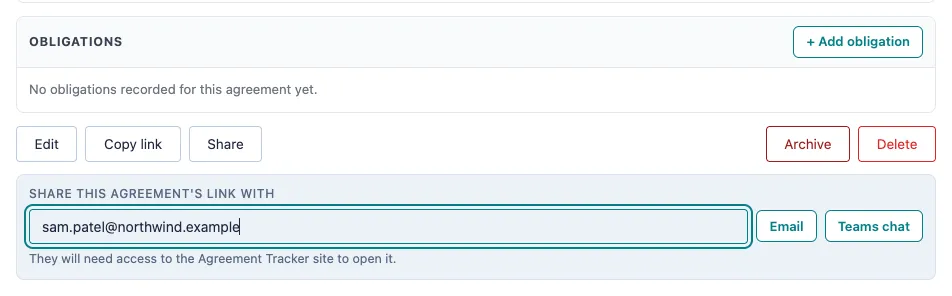
- Under Share this agreement's link with, type one email address.
- Select Email to open a new message in your own email app, or Teams chat to open a chat with that person in Teams.
- Check the message, which already holds the agreement's name and link, and send it yourself.
Tips
- Nothing is sent from the Agreement Tracker. The message opens in your own email or Teams, and you choose whether to send it.
- The person needs access to the Agreement Tracker site to open the link.
- To share the link another way, select Copy link and paste it wherever you need. Copy link is available on every plan.
- Enter one address at a time. To share with several people, add the others in your email or Teams before you send.